Colours and confetti
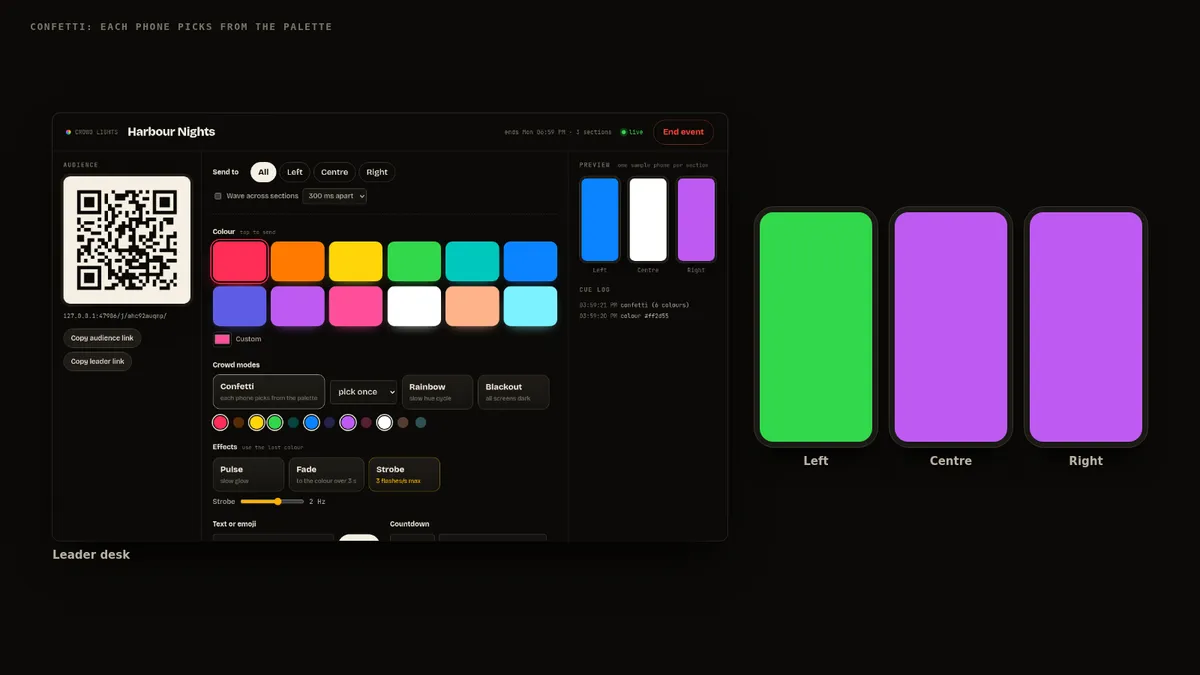
One tap turns every screen the same colour, or lets each phone pick from a palette for a sea of confetti.
for concerts · clubs · weddings · stadiums
Put a QR code on the big screen. People scan it and tap Join. From then on every screen in the crowd follows the lighting desk: colours, effects, words and pictures, switched together.
No app to install. Works in the phone's browser.
the film
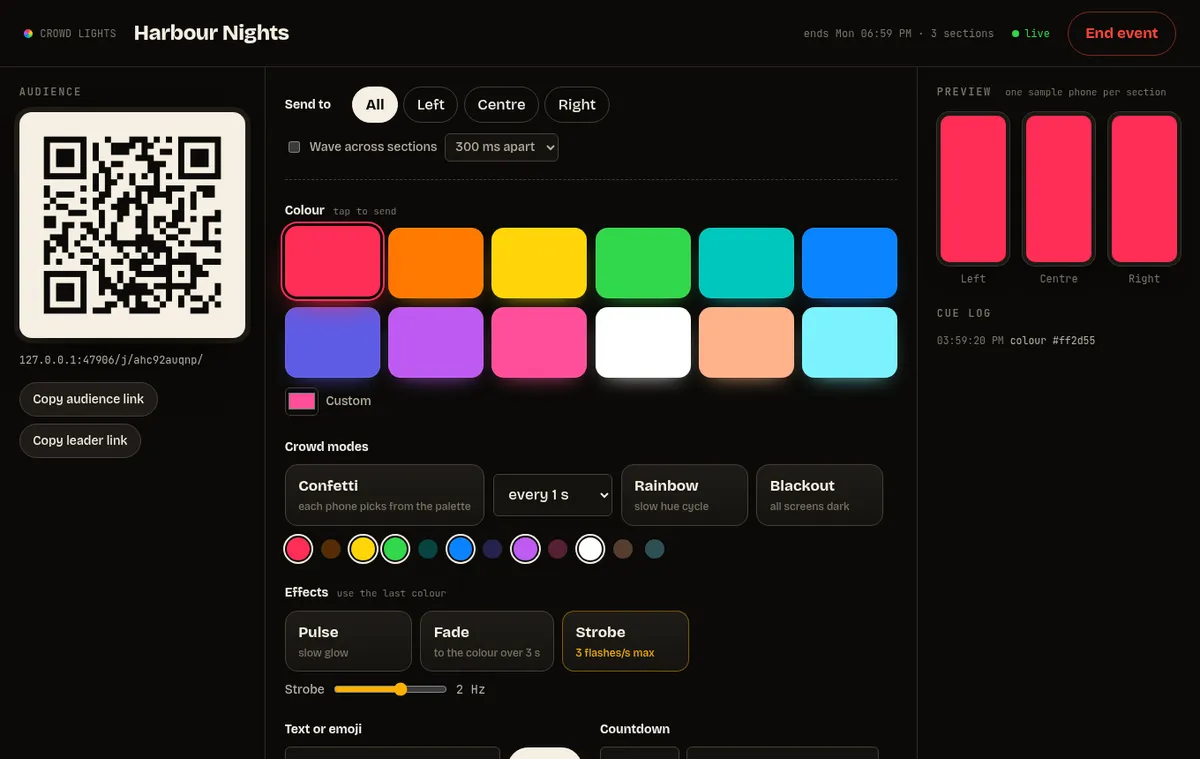
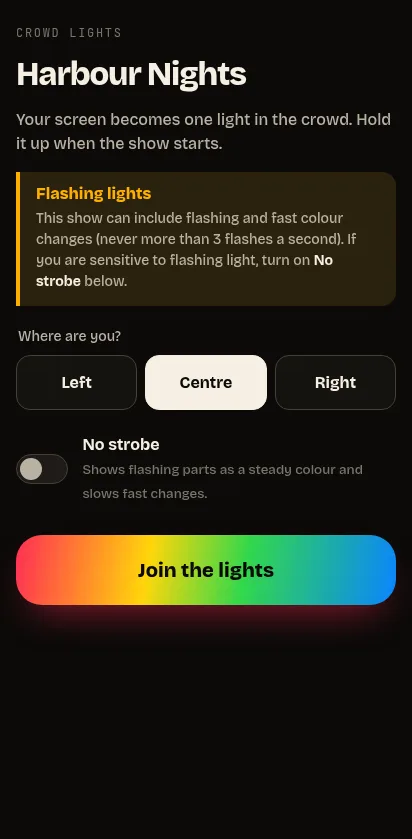
The film is on its way. Until then, the screenshots below show the desk and the phones.
A QR code goes up on the big screen. Anyone with a phone camera scans it. No app, no account.
They pick where they are (left, centre, right, or blocks you name), read the flashing-lights note and tap Join. The screen goes full and stays awake.
Every phone now follows the desk. Tap a colour and the whole room changes, on the beat, together.
One tap turns every screen the same colour, or lets each phone pick from a palette for a sea of confetti.
Send a cue section by section, so light rolls from one side of the venue to the other.
Pulse, fade, rainbow and strobe.
Short text or emoji across the crowd, and a countdown that ends on your word.
Upload a picture on the desk; it is preloaded on every phone before it is shown.
Each phone measures its clock against the server, and every cue is scheduled a moment ahead, so screens switch on the same frame instead of whenever the message arrives.
Strobe is held to at most 3 flashes a second, the WCAG flash threshold, on the server and again on every phone. Anyone can switch on No strobe for a steady screen.
organisers
Your code came with your booking. Enter it here to open your lighting desk. Enter it again on any device to get back to the same desk.
No code yet? Ask for your event.